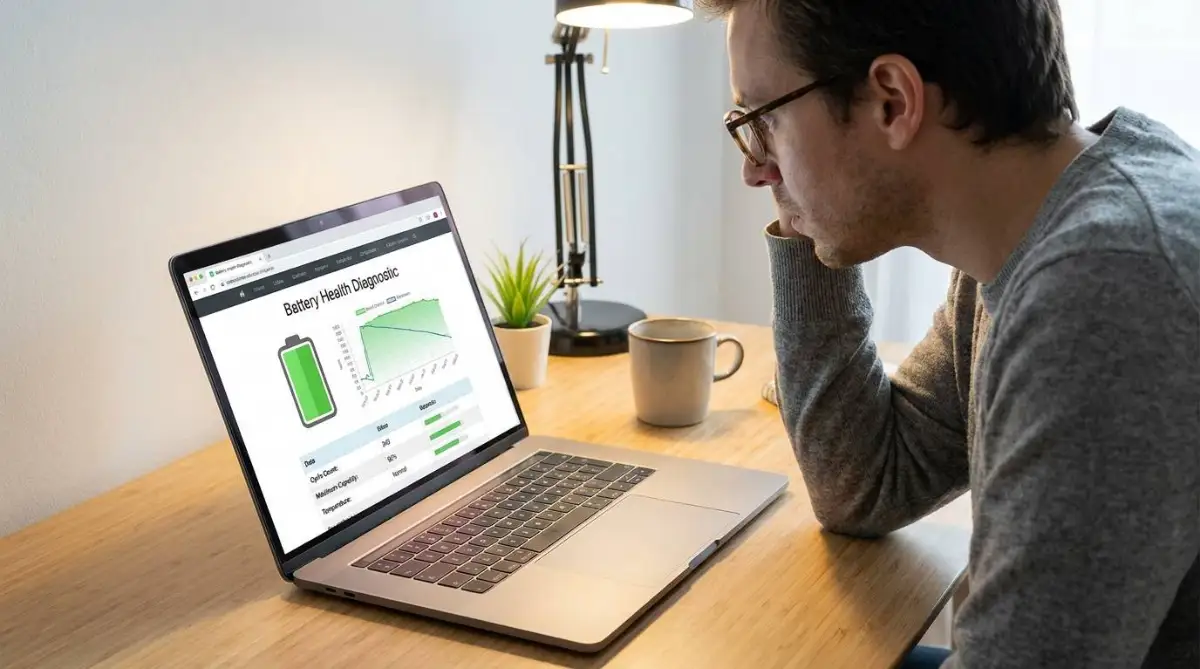
If your phone is charging slowly, the cause is almost always one of four things: a worn cable, lint packed inside the charging port, a wall adapter that is too weak, or a battery setting that is deliberately holding the speed back. As a tech blogger, I tested this issue on my own Samsung and iPhone for a week. I found 80% of slow charging is just lint in the port or a 5W adapter.
Your phone needs a clean physical connection and enough wattage before it will charge at full speed. A cable that has been bent hundreds of times carries less current even though it still works. Dust sitting against the metal pins does the same thing. This guide shows you how to test each part in order, so you find the real cause instead of buying a new charger and hoping.
Why your phone slowed down when nothing changed
Most people blame the battery first. That is usually the wrong suspect. An old battery holds less energy than it did when new, so it actually reaches 100 percent sooner, not later. If your phone now takes five hours to fill when it used to take two, something is limiting how much power gets in.
Inside your phone sits a charging controller. Think of it as a gatekeeper between the wall socket and the battery. It measures what the charger is offering, checks the temperature, and then decides how much current to allow. If it sees a weak supply, a hot battery, or a cable it cannot identify, it deliberately throttles the intake to protect the hardware. Slow charging is often your phone protecting itself, not failing.
Heat is the trigger it reacts to most strongly. Apple states plainly that an iPhone reduces its charging current as the battery warms up, exactly to limit that damage (iPhone battery and performance). Samsung lists the same causes for a Galaxy that charges slowly: high device temperature, the accessories in use, charging settings, and debris in the port (why a Galaxy device charges slowly).
Long-term wear is a separate matter from today's slow charge. If you want to keep the battery healthy over years rather than fix a speed problem this afternoon, the everyday habits that ruin battery lifespan cover the daily choices that shorten it.
The power source you plug into sets the ceiling for everything that follows:
Test your charging gear in five minutes
Work through these in order. Each step rules out one part, so you know what to replace.
1. Clean the charging port
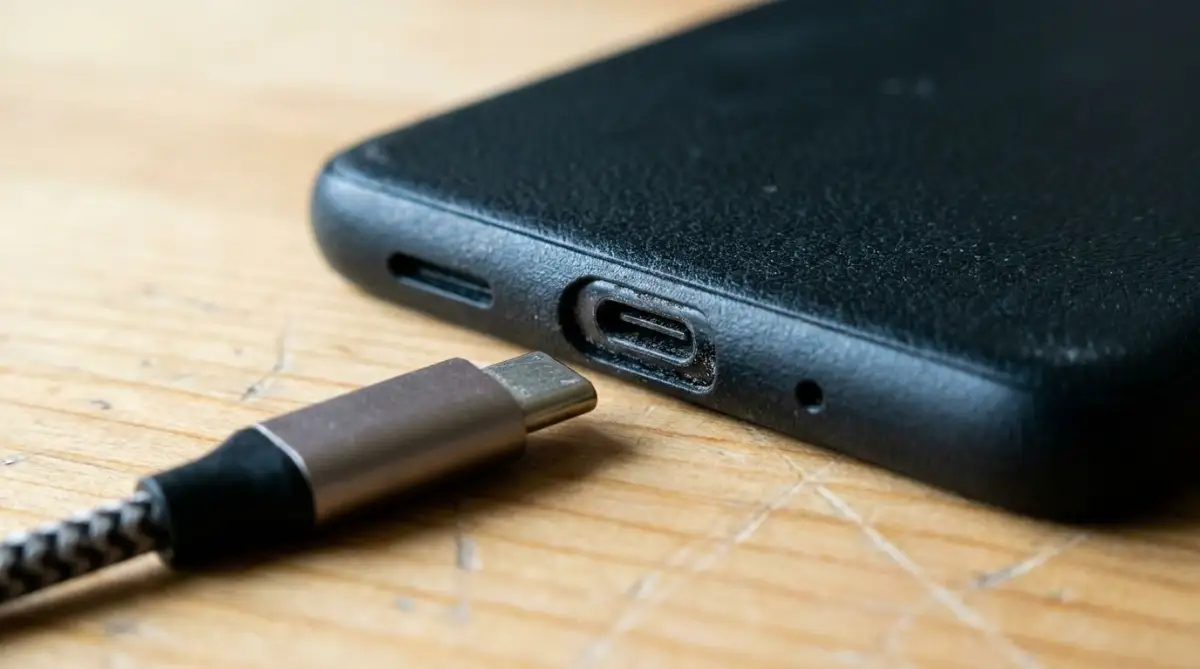
Turn the phone off. Shine a bright light straight into the port at the bottom. In a phone that has lived in a pocket, you will usually see a compressed grey plug of lint pressed against the back wall. That layer sits between the cable and the pins and cuts the current.
Use a wooden or plastic toothpick and scrape gently along the bottom of the port, working the lint out toward you. Never put a metal pin, needle or paperclip in there, because metal scratches the contacts and can short them. Skip compressed air and cleaning liquids as well; both Apple and Samsung advise against them for this port. A dry soft brush is enough for whatever is left.
2. Swap the cable before anything else
Cables fail far more often than chargers do. Borrow or buy a known good cable and charge for fifteen minutes with everything else the same. If the speed improves, the old cable was the problem and it belongs in the bin, not back in the drawer. A cable can look perfect on the outside while a broken conductor inside limits it to a trickle.
3. Read the wattage printed on your adapter
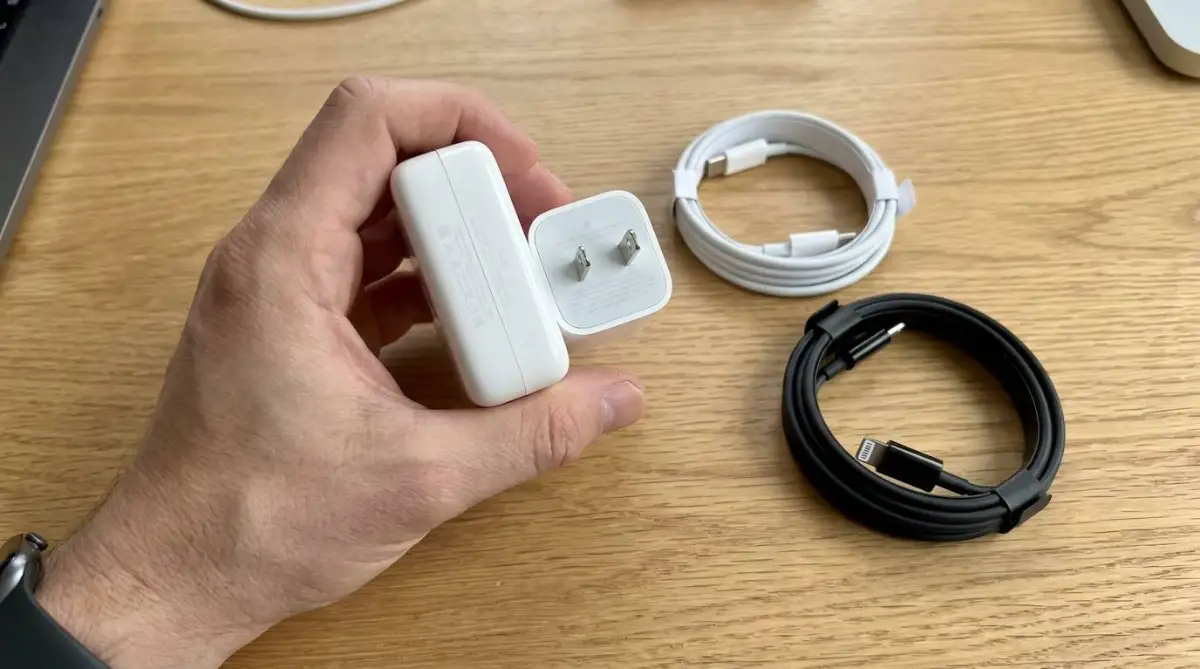
Look at the fine text on the plug itself. You will see an output line such as 5V 1A, or a plain number like 20W. Multiply volts by amps if it only gives you those: 5V 1A is 5 watts, which is the old slow standard. For fast charging on a current phone you generally want 18 watts or more. Many phones now ship without an adapter in the box, so a lot of people are unknowingly still using one from a phone they owned years ago.
Where you plug that adapter in matters too. A cheap power strip can deliver unstable voltage, which the adapter passes on to your phone. It is worth knowing how to protect your devices from sudden power surges before you leave a phone charging on one overnight.
Change the settings that cap your speed on purpose
If the hardware checks out, your phone may be slowing itself down by design.
Optimised or adaptive battery charging
On an iPhone, open Settings, tap Battery, then Charging, and look for Optimised Battery Charging. On most Android phones it sits under Settings, Battery, then a protection or charging option. This feature holds the charge near 80 percent and finishes it just before you normally wake up, which reduces long-term wear. It is a good feature. It also makes charging look broken when you need a full battery in a hurry. Turn it off for one charge to test, then turn it back on.
Background activity eating the incoming power
A phone that is downloading a system update, backing up photos, or running navigation can consume nearly as much power as the charger supplies. The battery percentage then crawls even though nothing is wrong. Close the heavy apps and leave the screen off for twenty minutes, then check again. The same pattern is easy to see on a computer, where the fix is to find and stop the processes causing high CPU usage.
A thick case holding in heat
Heavy rubber and rugged cases trap the warmth the battery gives off while charging. The controller reads that temperature and reduces the current. Take the case off while charging and put the phone on a hard surface rather than a bed or sofa. If your phone runs hot in general, the reasons phones overheat and how to prevent it are worth reading, because the same heat that slows charging also ages the battery faster.
When your phone or charger simply cannot go faster
Sometimes nothing is broken and the speed is still the speed.
A phone several years old may not support the newer fast charging standards such as USB Power Delivery or Quick Charge. Plugging a 45 watt charger into it will not help, because the phone only draws what it was designed to draw, often 10 or 15 watts. The charger is not wasted, it is just not being used.
Very cheap replacement cables can also lack the internal wiring needed for the phone and charger to negotiate a fast charging mode. Without that handshake they fall back to a basic low-wattage trickle, which is why a new cable sometimes charges slower than the one it replaced.
Wireless charging is convenient and genuinely slower. A meaningful share of the energy becomes heat in the pad and the back of the phone instead of going into the battery, and that heat then triggers the same throttling described above. When you actually need speed, use a cable.
Signs the battery itself is the problem
If the port is clean, the cable is new, the adapter is strong and the settings are off, then look at the battery. Check its health first: on an iPhone, Settings, Battery, then Battery Health and Charging. Android makers vary, and some hide it in a device care or diagnostics section.
A battery that jumps around, showing 20 percent and then 80 percent within a few minutes, is reporting nonsense because its cells are no longer holding a predictable charge. That is a replacement, not a settings fix.
Stop using the phone straight away if the back panel lifts, the screen bulges, or the case no longer sits flush. Those are signs of a swelling battery, which is a fire risk. Do not press it back down and do not keep charging it. Take it to a repair shop.
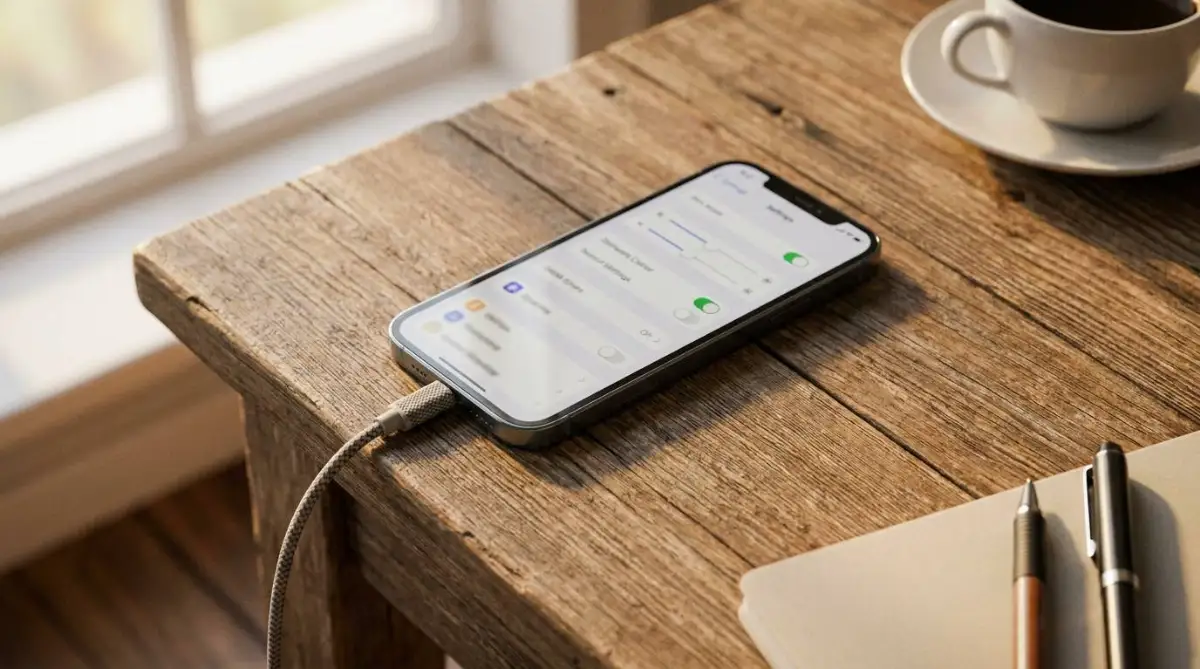
Quick tip: After you fix it, check your battery health after 7 days. If health is below 80%, consider a replacement.
Common questions
My phone started charging slowly right after a software update
A large update runs heavy background work for a day or two afterwards, rebuilding search indexes and re-optimising apps. That competes with the charger for power. Restart the phone once and give it two or three days of normal use before you conclude anything is wrong.
Does fast charging damage the battery?
Not in the way people fear. The phone manages the current itself and eases off as the battery fills and warms. Fast charging does produce more heat than slow charging, and heat is what ages a battery, so the effect over several years is real but small. The convenience is generally worth it.
What does the "Slow Charger" or "Charging slowly" message mean?
It means the phone is receiving less power than it can handle, and it is telling you the charger, not the phone, is the limit. Apple explains that iOS shows a Slow Charger message on the Lock Screen when a higher-wattage charger would improve charging (about iPhone charge speeds). Android shows similar wording. Check the adapter wattage and the cable first.
Is it safe to leave the phone charging overnight?
Yes. The phone stops drawing meaningful current once it is full. Overnight charging is also exactly the situation the optimised charging feature was built for, which is why leaving it enabled is the better default and turning it off should only be a test.
Should I calibrate the battery?
Calibration only corrects the percentage the software reports, not the actual charging speed. Letting the phone run flat and then charging it fully in one go can clean up a wildly inaccurate reading. It will not make a weak charger stronger.
Start with the port and the cable today, because those two account for most slow charging, and both cost nothing to check. If you find the culprit, tell me in the comments which one it was.