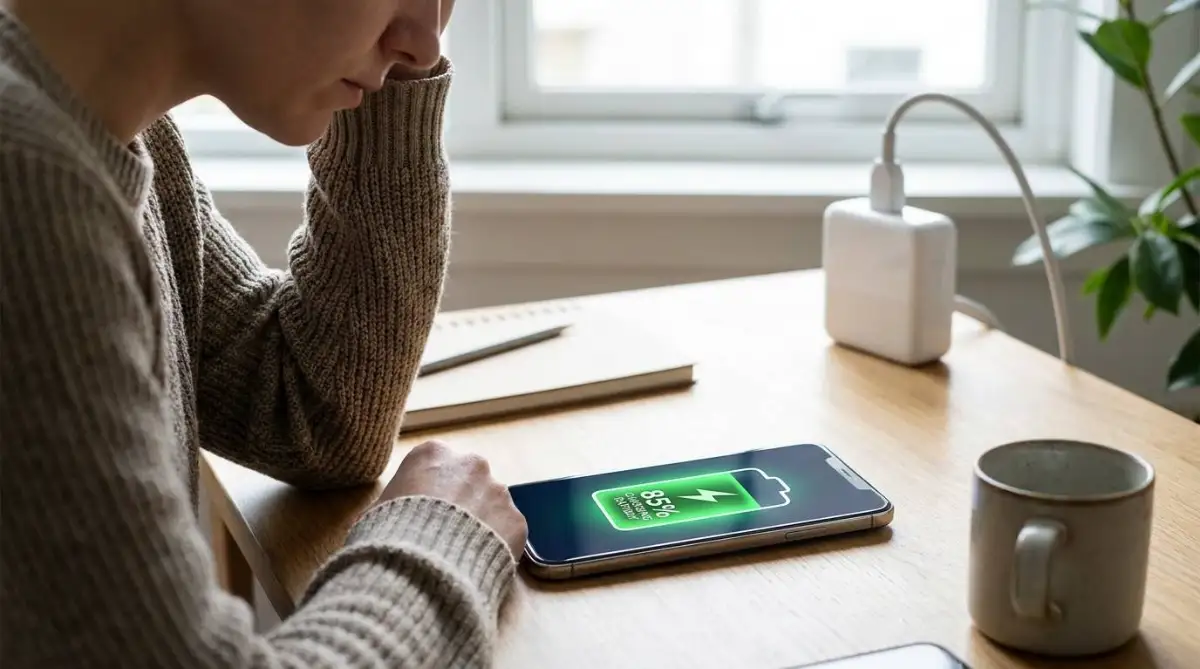
To know how to safely recycle old electronics at home, you must first remove all personal data and batteries before taking them to a certified e-waste drop-off center. Never throw phones or laptops into your regular recycling bin. Back up your files, perform a factory reset, and physically remove any swollen lithium-ion batteries if the device allows it. Next, sort your items into 3 boxes: working devices for donation, broken devices for certified recycling, and bare cables for scrap metal. This checklist will settle exactly how to prepare your old tech for safe disposal without risking your privacy or causing a chemical fire.
Learn Why an Old Laptop Started Smoking
Last year, I decided to clean out my hallway closet. I found a stack of old phones and a laptop from 10 years ago. I tossed them all into a plastic bin to take to the local dump. As I carried the box to my car, I heard a quiet hissing sound. Smoke started pouring out of the bottom.
The old laptop battery had swollen and punctured against a sharp phone charger. I had to drop the box on the concrete driveway and spray it with a fire extinguisher. That terrifying moment taught me that old tech is not just harmless plastic. It contains volatile chemicals that require careful handling before you move it.
Understand Why Standard Recycling Bins Are Dangerous
People assume they can just toss a broken tablet into their blue curbside recycling bin because it has a plastic shell. This is a dangerous mistake. Curbside recycling facilities use massive crushing machines designed for cardboard and glass. When these machines crush a lithium-ion battery, it instantly explodes into a chemical fire.
E-waste requires specialized dismantling. Workers must manually extract heavy metals like lead, mercury, and cadmium before shredding the plastic. If you throw electronics in the regular trash, these toxic metals leak into the soil and contaminate local groundwater. Just as you must learn how to clean dusty PC fans without static damage, you must learn how to handle dead hardware without causing environmental damage.
| Disposal Method | Processing System | Environmental Risk |
|---|---|---|
| Standard Trash Bin | Landfill burial | Toxic metals leak into soil |
| Curbside Recycling | Industrial crushing machines | High risk of battery fires |
| Certified E-Waste Center | Manual dismantling | Zero risk, metals recovered |
Follow the E-Waste Preparation Checklist
- Back up your data. Connect your phone or laptop to a cloud service or external hard drive and copy your files. Verify the backup opens correctly on a different device.
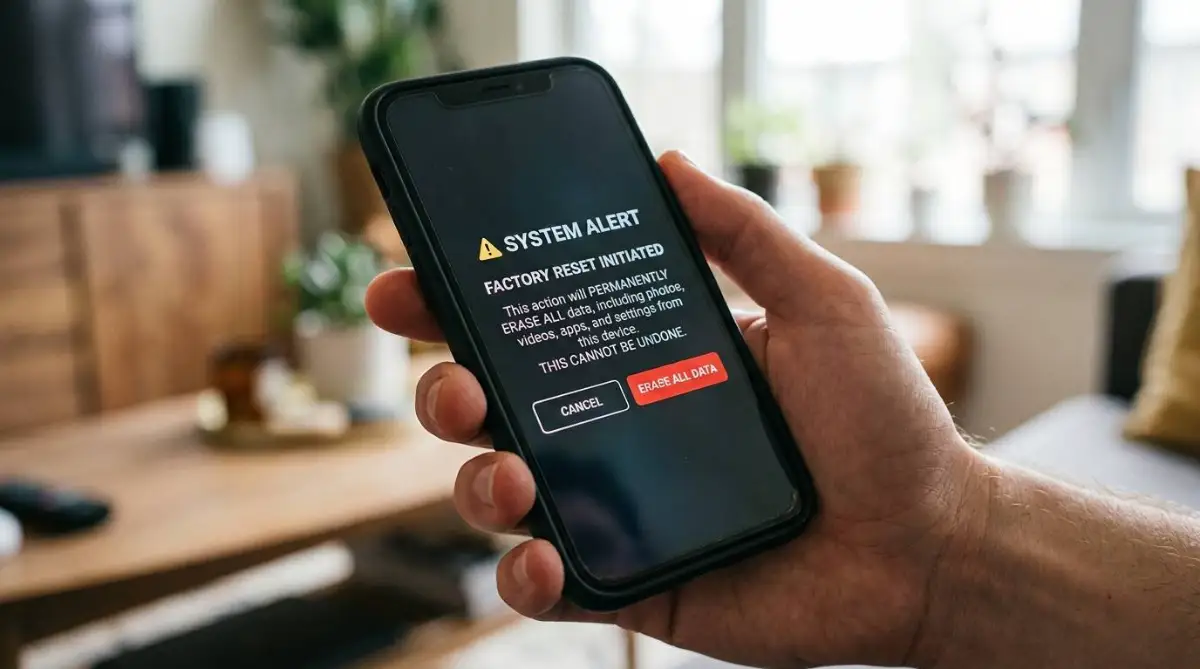
- Perform a factory reset. On an Android phone, go to Settings, System, Reset Options, and tap "Erase all data." On an iPhone, go to Settings, General, Transfer or Reset iPhone, and tap "Erase All Content and Settings."
- Remove physical storage. Take out the SIM card and any micro SD cards. If you are recycling an old desktop computer, open the case and physically unscrew the hard drive.
- Inspect the batteries. Look for bulging plastic casings or separated seams. If a device has a swollen battery, do not try to squeeze it. Place it in a fireproof container immediately. Understanding the everyday habits ruining your laptop battery lifespan helps you spot this chemical degradation early.
- Tape the terminal contacts. If you remove loose AA or lithium batteries, place a piece of clear tape over the metal connection points so they cannot spark against each other in transit.
- Locate a certified recycler. Search your local government website for an e-waste facility that holds an R2 or e-Stewards certification. These certifications guarantee the facility will not just ship your toxic waste to a developing country.
Pro Tip: Always use a permanent marker to cross out the serial number on the back of your device before dropping it off. This simple step prevents thieves from digging your device out of a bin and using your hardware ID for warranty fraud.
Adapt Your Method for Different Devices and Locations
Your recycling method changes entirely depending on the size of the hardware. If you are dealing with massive, outdated tube televisions, you cannot just drop them off at a local electronics store. These heavy units contain 4 to 8 pounds of toxic leaded glass. You must call your county waste management office to schedule a specialized heavy-item pickup. If you are trying to protect electronic devices from sudden power surges, you might have a heavy Uninterruptible Power Supply (UPS) unit sitting on your floor. These contain massive lead-acid batteries that require a completely different recycling facility than a standard lithium-ion phone battery.
If you live in a rural area, finding a certified e-waste center is difficult. You might have to rely on mail-in recycling programs. Many major tech manufacturers offer free prepaid shipping labels so you can mail your old devices back to them for proper dismantling. However, you must package these devices in thick cardboard with zero movement inside the box, as shipping carriers will reject packages that rattle or smell like battery acid.

Take Action When the Device Will Not Turn On
Sometimes a device is so dead you cannot perform a digital factory reset. Watch for these signals to know how to handle a completely unresponsive piece of hardware.
The screen is shattered and black: If the device powers on but the screen is dead, you cannot navigate the menus to erase it. Stop trying to guess the button combinations. Plug the device into a computer via USB and use the manufacturer's desktop software to force a remote wipe from your computer screen.
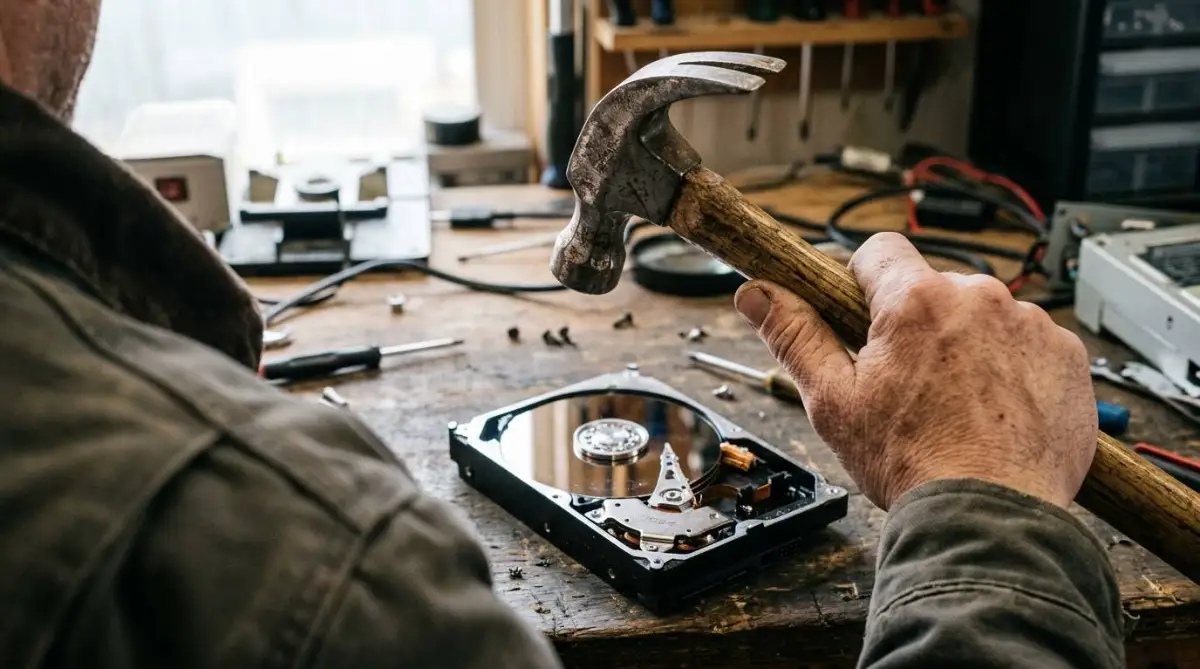
The device refuses to charge at all: If the battery is completely dead and the device will not boot, your data is still sitting on the internal storage chip. Stop trying to charge it. You must physically destroy the storage. Open the casing with a screwdriver, locate the flash memory chip or hard drive platter, and hit it firmly with a hammer until it cracks.
The battery is actively swelling or hot: If you notice the plastic casing bulging outward or feeling hot to the touch, the battery is failing. Stop handling it immediately. Place the device outside on concrete, away from any flammable materials, and call your local fire department's non-emergency line for hazardous materials disposal.
Avoid Mistakes That Ruin the Recycling Process
- Do not donate a broken, 10-year-old laptop to a local charity. Charities do not have the budget to fix ancient hardware; you are just passing your toxic trash burden onto a non-profit organization.
- Do not throw tangled masses of charging cables into the bin without sorting them. Facilities pay scrap value for copper wire, but if it is tangled with useless plastic adapters, they will often throw the whole bundle into the landfill to save time.
- Do not leave a disc inside an optical drive. If you recycle an old DVD player or gaming console without checking the tray, you might accidentally throw away a valuable game or a disc containing personal family photos.
Answer Common E-Waste Questions
Do retail stores accept old electronics for recycling?
Yes, many major electronics retailers have drop-off bins near the front doors for small items like phones, tablets, and ink cartridges. However, they usually charge a fee if you try to drop off large items like computer monitors or televisions. EPA Electronics Donation and Recycling.
Can I get paid for recycling my old phone?
If the phone is less than 5 years old and still powers on, you can use a trade-in service or a kiosk to get cash. If the phone is completely dead or ancient, it has zero resale value and you must use a free recycling center instead.
Is it safe to throw away alkaline batteries in the trash?
In most states, standard single-use alkaline batteries are no longer considered hazardous waste and can legally go in the regular trash. However, rechargeable batteries must always be recycled. Call2Recycle Battery Guide.
Grab a cardboard box right now, walk through your house, and collect every charging cable that does not match a device you currently own. Drop a comment below and tell me the oldest piece of technology you found hiding in your closet.