
The Silent Wall: Juggling Four Client Inboxes at Midnight
I still remember staring at four different Slack workspaces flashing red on my monitor at one in the morning. My eyes burned, my shoulders were tight with tension, and my hands trembled slightly as I tried to type a quick update.
I had promised four separate project managers that their revisions would be done before dawn. I felt completely trapped, acting like a frantic juggler trying to keep heavy glass balls in the air while spinning on a thin rope.
That miserable night was my absolute breaking point as a remote worker. I realized that earning a good income meant nothing if my daily life felt like a non-stop digital emergency.
For thousands of independent workers and freelancers today, remote freedom has quietly morphed into a high-stress prison. You start your career wanting flexibility and control over your own schedule, but you end up with six different bosses demanding your instant attention.
Every time your phone buzzes with a new message, your stomach tightens with a small wave of panic. You constantly jump between client dashboards, messy email chains, and urgent chat pings without ever getting a single hour of deep, uninterrupted focus.
This constant switching between tasks wears down your brain power faster than heavy physical labor. You spend your morning answering routine questions across three different platforms, only to realize at four in the afternoon that you have not touched your core work.
Your mental peace slowly evaporates, replaced by a persistent worry that you are forgetting something critical. You lie in bed late at night wondering if an unhappy client is about to cancel their monthly retainer because you replied two hours late.
This unending digital noise bleeds into your personal life, making it nearly impossible to enjoy time with your family or friends. Even when you step away from your desk, your mind remains hooked to your phone, checking for fresh notifications every five minutes.
You feel guilty when you take a short break, fearing that a delayed response will make you look unprofessional or lazy. The cost of this chaotic lifestyle is simply too high for your long-term health and career growth.
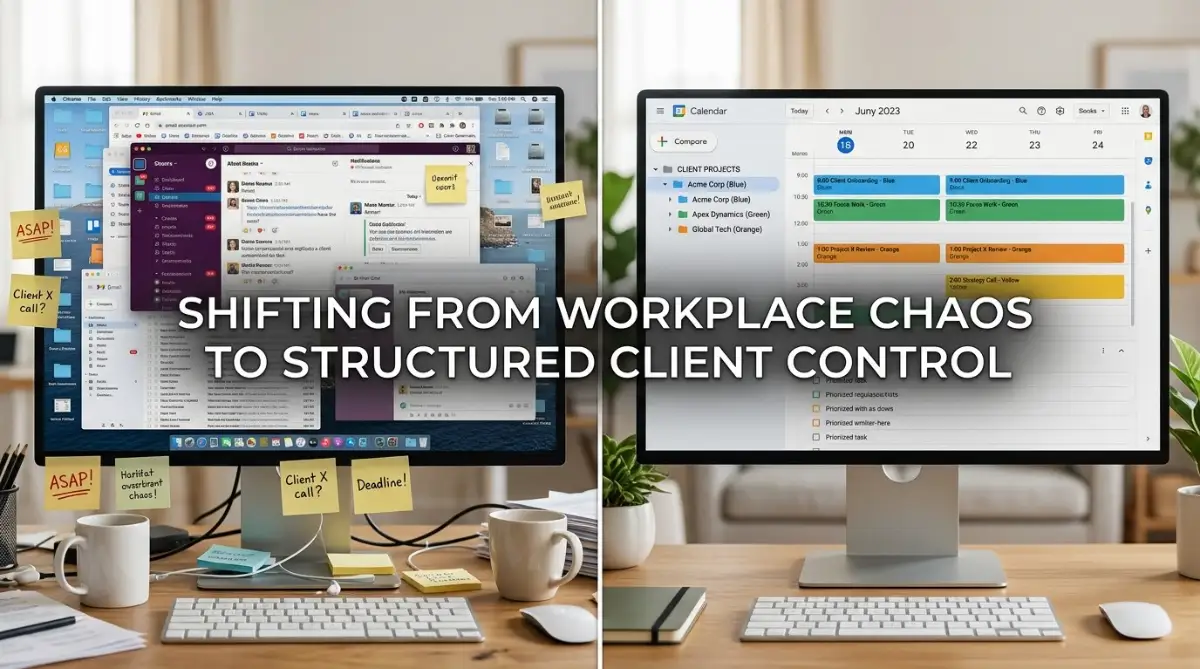
Building a Sanity-First System for Client Workload
Ending Instant Availability and Slack Slavery
The primary reason remote workers suffer from heavy digital fatigue is the illusion of constant availability. When you respond to a client message within two minutes at eight in the evening, you train that client to expect instant answers at all hours.
You must break this habit immediately by establishing clear, written communication windows for every project. Tell your clients during onboarding that you check messages at two specific times each day, such as eleven in the morning and four in the afternoon.
When clients know exactly when to expect your updates, their urgency drops dramatically. They stop sending five frantic follow-up messages because they trust your predictable routine.
This simple boundary creates large blocks of quiet time where you can produce high-quality work without constant interruptions. It shifts your daily work mode from frantic firefighting to calm, professional execution.
Client Onboarding Boundary Template:
"To ensure your project receives my full focus, I review and respond to all messages twice daily at 11:00 AM and 4:00 PM. For true emergencies, please use our designated urgent ticket form."
By enforcing these simple windows, you teach your clients to respect your professional focus. You protect your mental energy while actually delivering better, more thoughtful results.
Batching Similar Tasks to Eliminate Context Switching
Context switching is the silent killer of remote productivity. When you write a client proposal, jump to fix a bug for another client, and then answer a phone call from a third, your brain burns massive amounts of energy resetting itself.
Instead of working on three different accounts every single day, structure your week using dedicated theme days or task batching. For example, assign Mondays and Wednesdays strictly to Client A and Client B, while reserving Tuesdays and Thursdays for Client C and Client D.
If your work requires daily touchpoints across all accounts, batch your specific work activities instead. Group all your administrative tasks, invoicing, and status reporting into one single morning block.
Then, dedicate your entire afternoon to deep execution work without opening your email inbox once. This structured grouping keeps your focus locked in one mode, reducing mental fatigue by more than half.
My Personal Realization:
I used to believe that jumping between tasks made me look fast and responsive. Once I grouped similar tasks into dedicated time blocks, I finished my client deliverables in half the time with zero brain fog.
Want to see how top remote professionals organize their daily client workflows in real-time? Watch this short video below to master your daily workload, then keep reading for advanced boundary secrets!
Replacing Live Meetings with Asynchronous Updates
Live status meetings are often a massive drain on your daily energy and productive hours. A thirty-minute video call rarely takes just thirty minutes; it interrupts your focus for an hour before it starts and leaves you tired for an hour after it ends.
Whenever a client asks for a quick sync to review project progress, offer an asynchronous video or text update instead. Use free screen recording tools to record a short, three-minute video walking them through the latest progress.
Asynchronous updates allow your clients to review your work whenever it suits their schedule without blocking your calendar. They can rewatch the video to catch details, share it with their team, and leave specific text feedback.
This single shift eliminates useless status calls and gives you back ten to fifteen hours of uninterrupted focus every single week. It is one of the most powerful habits you can build to maintain a peaceful remote career.
Designing Hard Operational Boundaries That Clients Respect
Defining Clear Project Scope and Revision Limits
Digital fatigue often stems from subtle scope creep鈥攖he slow addition of small, unpaid tasks to an existing contract. A client asks for "one tiny tweak," which quickly turns into a complete redesign of three different project pages.
When you accept unpaid extra work out of fear, you build quiet resentment toward your clients and double your daily workload. Every contract or agreement must clearly list what is included and what requires an additional fee.
When a client requests a task outside your agreed scope, acknowledge their request warmly while pointing to your process. Explain that you would love to help with the new feature and provide an estimated cost and timeline for the additional scope.
This polite, business-like response shows that you value your time and expertise. Clients rarely get upset when you maintain clear professional boundaries; in fact, it increases their respect for your work.
Creating an Onboarding Portal to Reduce Questions
A massive amount of client back-and-forth happens because new clients do not know where to find their project assets or timelines. They send routine emails asking for file links, draft access, or invoice copies because you have not given them a single source of truth.
You can fix this completely by creating a simple client dashboard using free tools like Notion, Trello, or Google Drive. When a new client signs on, send them a single link to their private dashboard containing their contract, project roadmap, and shared file folder.
Whenever a client emails you asking for a document, gently point them back to their central dashboard. After two or three reminders, the client will naturally check their portal before emailing you.
This simple asset hub eliminates dozens of unnecessary back-and-forth messages every single month. It keeps your client work organized, professional, and completely stress-free.
Pro-Level Systems to Scale Your Client Load Without Burnout
To build a thriving long-term career as a remote professional, you need advanced systems that protect your time automatically. Managing three or four accounts simultaneously becomes effortless when you stop relying on willpower alone.
The most successful freelancers do not work twice as hard; they build reusable frameworks that handle routine tasks behind the scenes. Let us look at the exact strategies veteran remote workers use to stay calm, productive, and highly profitable.
Building a Centralized Asset and Template Engine
One of the fastest ways to burn through your mental energy is creating every client document, proposal, and project update from scratch. When you start a new task on a completely blank screen, your brain works three times harder than necessary.
Build a private asset library containing pre-written email responses, project onboarding guides, proposal structures, and report formats. Store these templates inside a simple digital workspace like Google Drive or Notion so you can grab them in seconds.
When a client asks for a project status update, load your standard report structure, paste in the latest numbers, and hit send. You transform a task that normally takes forty-five minutes into a seamless five-minute habit.
Having a ready library of templates also helps you avoid AI tool mistakes when using automated software to generate drafts for your clients. It ensures your client deliverables stay professional, accurate, and completely aligned with your standards.
Instituting No-Client Buffer Days
If your entire work week is booked back-to-back with active client deadlines, you will inevitably fall behind the moment a small emergency occurs. A single unexpected revision request can destroy your entire week, forcing you to work late into the night.
Protect yourself by scheduling one full "Buffer Day" every week鈥攖ypically Wednesday or Friday鈥攚here you schedule zero client deliverables and no calls. Use this quiet day exclusively for internal administration, catch-up work, or professional skill development.
Having a dedicated buffer day creates an essential safety cushion for your entire workload. If a client project takes longer than expected on Tuesday, you can finish it comfortably on Wednesday without missing deadlines or working midnight hours.
Clients will rarely notice that you do not deliver work on your buffer day as long as your overall project timelines remain consistent. It gives you the space to breathe, recharge, and maintain total control over your schedule.
Building a Financial Runway to Drop High-Stress Clients
Digital fatigue is often driven by financial fear. When you live paycheck to paycheck, you feel forced to accept demanding, low-paying clients who treat you poorly and demand instant replies.
The ultimate cure for workplace anxiety is building a dedicated three-month financial emergency fund. When you know your living expenses are fully covered for ninety days, your entire perspective on client management changes.
You gain the confidence to set firm boundaries, negotiate higher rates, and politely let go of toxic retainers that drain your energy. Replacing one difficult, low-paying client with a respectful, high-value partner can instantly cut your daily stress in half.
To build a sustainable income without burnout, it helps to understand the difference between active freelancing and passive systems by reading our guide on debunking the passive income myth. Building real wealth takes structured effort, clear boundaries, and financial discipline.

Dangerous Work Habits That Fuel Remote Burnout
The Trap of Saying Yes Out of Fear
The most dangerous phrase in a remote worker's vocabulary is a quick, desperate "Yes." When a client asks if you can deliver a major project in two days instead of two weeks, your instinct might be to agree just to keep them happy.
Saying yes to unreasonable demands damages your reputation far more than politely setting expectations. When you agree to impossible timelines, the quality of your work drops, mistakes happen, and you suffer severe physical exhaustion.
Learn to use the "Yes, And" boundary technique instead of giving in completely. Tell the client: "Yes, I can certainly deliver this project, and to maintain our high quality standards, the completed draft will be ready by Thursday."
This response shows that you are cooperative while protecting your focus and schedule. Respectful clients will appreciate your commitment to quality and gladly adjust their expectations.
Ignoring Hardware Failures and Technical Health
When you manage multiple remote accounts, your computer and internet connection are your primary lifeblood. Working on a slow, overheating machine with fan noise and battery issues adds unnecessary friction and anxiety to your workday.
Nothing triggers intense panic faster than having your laptop crash ten minutes before a major client deadline. You lose unsaved work, miss meetings, and look unprepared in front of people who pay for your services.
Take time to maintain your equipment before technical problems occur. Learn simple maintenance steps like how to clean dusty PC fans without static damage to keep your work machine cool and responsive during heavy multitasking.
Additionally, protect your daily hardware by checking your habits to prevent habits ruining laptop battery lifespan. Keeping your computer healthy eliminates technical stress and ensures your remote office runs without unexpected interruptions.
Failing to Audit Your Physical Health Signals
Your body always gives you early warning signs long before full mental burnout occurs. Persistent headaches, eye strain, neck pain, and difficulty sleeping are clear indicators that your workload has crossed a healthy limit.
Research published by the World Health Organization (WHO) identifies chronic occupational stress as a major factor in long-term physical fatigue and reduced professional performance. Ignoring these physical signals eventually leads to forced downtime where you cannot work at all.
Set a strict rule to stand up, stretch, and step away from all screens for ten minutes every hour. According to medical studies from the National Institutes of Health (NIH), short physical breaks restore focus and reduce cognitive fatigue significantly.
Treating your physical health as your top business priority is not selfish鈥攊t is the foundation of your career. A healthy, well-rested professional will always outperform an exhausted, burnt-out worker over the long run.
Reclaiming Your Freedom and Long-Term Career Peace
Building a successful remote career does not mean sacrificing your personal life, health, or mental sanity. By replacing constant availability with structured communication, task batching, and clear boundaries, you can manage multiple client accounts with ease.
Remember that you are the business owner of your remote career, not an employee with five different managers. You have the full power to set your communication rules, establish your working hours, and choose clients who respect your professional boundaries.
Start making small improvements today. Pick just one boundary strategy鈥攍ike setting up fixed email check times or creating a client onboarding dashboard鈥攁nd put it into action this week.
When you take control of your daily schedule, remote work becomes the rewarding, flexible career you originally envisioned. You deserve to enjoy high earnings, meaningful projects, and total peace of mind every single day.
A Personal Message From Me:
I spent years believing that working sixteen-hour days was the only way to handle multiple clients. Once I implemented asynchronous communication and firm workload boundaries, my monthly income doubled while my daily stress vanished completely. Take control of your schedule today鈥攜our mental health and career are worth defending!
Disclaimer
This article is for educational and informational purposes only. It does not constitute medical, psychological, or legal career advice. If you are experiencing severe physical exhaustion, chronic anxiety, or burnout symptoms, please consult a qualified healthcare professional.
Frequently Asked Questions About Remote Client Management
How do I tell an existing client that I am changing my communication hours?
Send a polite, proactive email framing the change as a benefit to them. Explain that to give their projects deeper focus and higher quality, you are moving to dedicated communication blocks at specific times each day.
What should I do if a client insists on an urgent call during my focus hours?
Politely ask them to share the details or questions via text or video message first so you can prepare. If it is a genuine emergency, offer a brief five-minute call at your next scheduled break window.
How many remote clients should a freelancer handle at the same time?
It depends on your project scope, but most professionals find that managing two to four core retainer clients alongside occasional small tasks provides optimal income without causing extreme digital fatigue.
How can I speed up my daily inbox routine when handling multiple client accounts?
You can streamline your daily correspondence across all client accounts by learning how to automate email management with free AI tools to draft quick replies and summarize long message threads.
What should I do if my home internet connection is slow and causing client delays?
A slow internet connection adds massive stress to remote video calls and file uploads. Follow our practical steps to increase wifi speed without new router to ensure stable communication with your team.
How do I transition smoothly into full-time remote writing or freelancing?
If you are just starting out, read our step-by-step guide on how to transition to freelance writing to land your very first client with confidence.


