To get AI to give organized structured answers instead of a wall of text, explicitly command the output format at the end of your prompt. AI chatbots default to conversational paragraphs. Tell the tool exactly how to present the data. Add a final sentence to your prompt demanding a specific structure, such as a markdown table, a bulleted list with bold headers, or a step-by-step numbered guide. Use specific phrases to force any language model to organize its thoughts cleanly.
Understand Why AI Defaults to a Wall of Text
Large language models mimic human conversation. The software predicts the most natural way a human explains an answer. Humans speak in continuous sentences. The AI types out continuous paragraphs. It does not automatically know you want to scan the information quickly. The AI prioritizes word count over readability unless you set boundaries. It gives you every piece of context it has on the topic. Just as you must write effective prompts for AI image generators to get the right visual style, you must use specific formatting commands to get the right text layout.
- Conversational prompts: The AI assumes you want a detailed explanation and outputs long paragraphs.
- Vague prompts: The AI assumes you want the main idea and outputs one dense summary block.
- Structured prompts: The AI assumes you need scannable data and outputs clean rows and columns.
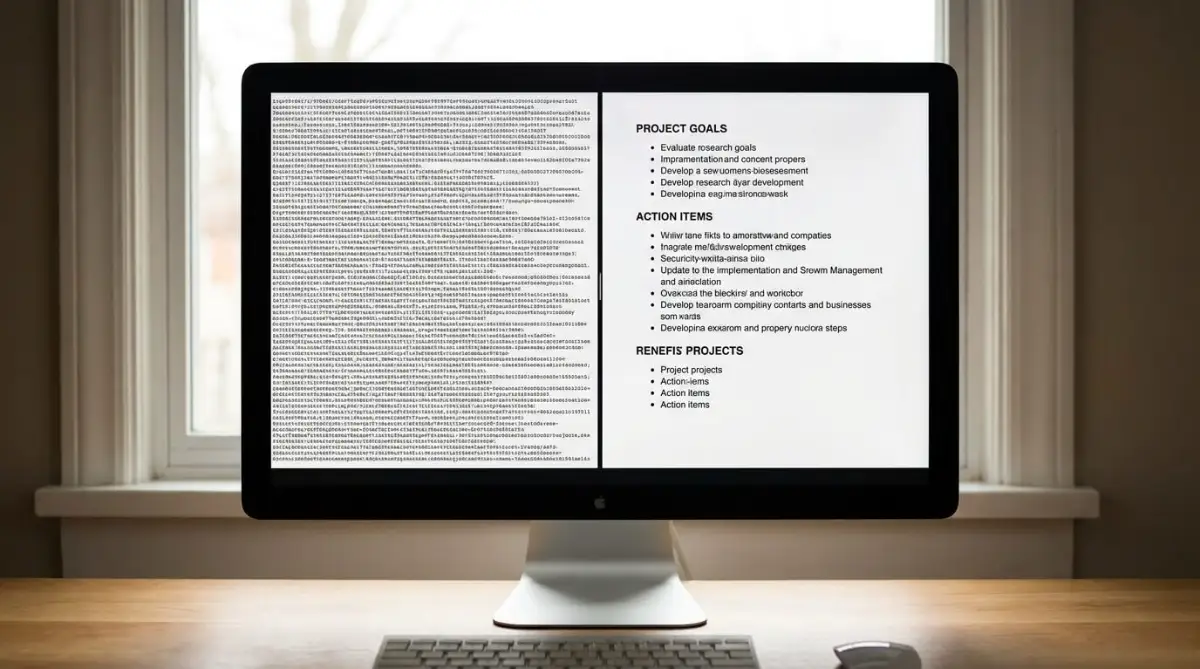
Force Structured AI Output with Exact Commands
- Define the exact format first. Start your prompt by naming the structure you want. Use phrases like "Create a table," "Write a numbered list," or "Generate an outline with headers."
- Set strict length limits. Tell the AI exactly how much text to write. Use commands like "Limit each bullet point to one sentence" or "Keep the summary under fifty words."
- Assign specific column headers. Do not let the AI guess the categories if you ask for a table. Write, "Format this as a table with three columns: Tool Name, Price, and Best Feature."
- Use the markdown command. AI chatbots understand markdown coding natively. Tell the tool to "Use markdown formatting with H2 and H3 headers to organize the sections."
- Ban conversational filler. AI loves to start responses with polite greetings. Add the phrase "Do not include any conversational filler or introductory text" to your prompt. You can avoid AI tool mistakes in academic and business research by stripping out this robotic politeness.
- Ask for a specific framework. Tell the AI to use a recognized structure to analyze a problem. Say, "Analyze this decision using a Pros and Cons list" or "Break this down using a SWOT analysis format."
5 Copy-Paste Prompts to Get Structured AI Answers
Don't guess the wording. Copy one of these prompts and paste it at the end of your question:
- For a Table: "Format this as a table with 3 columns: Tool Name, Price, and Best Feature. Limit each cell to 5 words."
- For a List: "Give me a bulleted list with bold headers. Limit each bullet to one sentence."
- For Mobile: "Use a vertical list format instead of a wide table. I am reading on a phone."
- For No Filler: "Output only the requested table and nothing else. Do not include any conversational filler."
- For Excel: "Format the data as CSV so I can copy it directly into Excel."
Create a custom instruction template in your AI settings. Paste "Always output answers using bullet points and bold headers unless asked otherwise" into your account's custom instructions. You will never have to type formatting commands again.
Adapt Formatting Commands for Different AI Tools
Your prompt strategy must change depending on the specific AI tool. A free, older model struggles with complex formatting requests like multi-layered nested lists. Break your request into smaller steps. Ask for the data first. Ask the older model to put that exact data into a table in a second prompt.
An AI tool integrated directly into a workspace app like Notion or Google Docs has different formatting capabilities. These tools prefer commands matching their native menu options. Command the workspace AI to "use native heading blocks and a toggle list" instead of asking for markdown code. Learn how to automate email management with free AI tools to see how different APIs handle text formatting differently.
Mobile screens make wide tables unreadable. Command the AI to format the output vertically if you prompt from a phone. Tell the tool to "use a vertical list format instead of a wide table" to avoid scrolling sideways.

Fix AI Responses That Ignore Formatting Rules
The AI sometimes ignores your strict formatting rules and spits out a wall of text. Watch for these signals to change your approach.
The table breaks halfway through. The AI hit a token limit if it starts generating a clean table but suddenly switches to messy text. Stop asking for so much data at once. Tell the AI to "generate the table for the first five items only." Prompt it to "continue the table" for the rest.
The AI writes a paragraph inside a table cell. This defeats the purpose of a scannable table. Your prompt was too loose if you see massive blocks of text crammed into a single column. Rewrite your prompt to include the strict command: "Limit the text inside every table cell to a maximum of five words."
The output looks like raw computer code. The AI misunderstood your intent if it gives you a block of HTML or JSON code instead of readable text. Tell the AI "do not output raw code blocks; render the formatting as plain readable text."
Before vs After: Same Question, Different Prompt
Before (Bad Prompt): "Tell me about the best AI tools."
Result: A long wall of text with 3 paragraphs. You have to read everything to find the price.
After (Good Prompt): "Tell me about the best AI tools. Format this as a table with 3 columns: Tool Name, Price, and Best Feature. Limit each cell to 5 words."
Result: A clean table you can scan in 5 seconds. Same information, but 10x easier to use.
This is the difference. You did not change the question. You only changed the format command at the end.
Avoid Mistakes That Guarantee Messy Output
- Asking multiple complex questions in a single sentence. The AI gets confused by the structure of your question and responds with an unstructured paragraph.
- Forgetting to specify what the AI should leave out. The tool pads the answer with unnecessary historical context if you do not explicitly command it to ignore irrelevant details.
- Using polite filler words in your prompt. Vague language gives the AI permission to be vague in return. This creates soft, rambling answers instead of sharp, structured data.

Answer Common AI Formatting Questions
Can AI export a table directly to a spreadsheet?
Most standard chat interfaces cannot export directly to an Excel file. Ask the AI to format the data as CSV. Copy that raw CSV text, paste it into a blank text file, and open it cleanly in any spreadsheet software. Microsoft Support + Import or export text files.
Why does the AI keep adding introductory paragraphs?
AI models are heavily trained to be polite and conversational. Use a negative constraint to stop this. Add the exact phrase "Output only the requested table and nothing else" to force the model to skip the polite greeting.
Can I get structured outputs from voice prompts?
Yes, but voice dictation often strips away punctuation. You must explicitly speak the formatting commands aloud. Say the words "format this as a bulleted list" at the end of your voice recording to ensure the AI understands the layout requirement. Apple Support + Dictate text on iPhone.