
I once sent a client an AI-written email, and he replied, "Did a robot write this?" That day I realized AI can write fast, but it can't sound like me unless I teach it how.
To make AI-written emails sound human, give the tool examples of your writing, explain your purpose, and edit the draft before sending it. A vague prompt often produces a generic message that does not reflect your usual tone. With a few practical steps, you can use AI to save time while keeping your emails clear, personal, and appropriate for the recipient.
Why AI-Written Emails Can Sound Robotic
Imagine that you need to update a regular client about a project. You ask an AI chatbot to write the email, and it produces a long message filled with formal greetings and corporate expressions. The information is correct, but the message sounds unlike the way you normally communicate.
This is a common drafting problem, not proof that AI cannot write naturally. When your instructions are vague, the tool has little information about your preferred vocabulary, sentence length, relationship with the recipient, or desired tone. It may choose wording that feels too formal, repetitive, or impersonal for the situation.
The solution is to give the AI a clear task and a useful example of your own writing. Then review its draft instead of copying it directly into your email client.
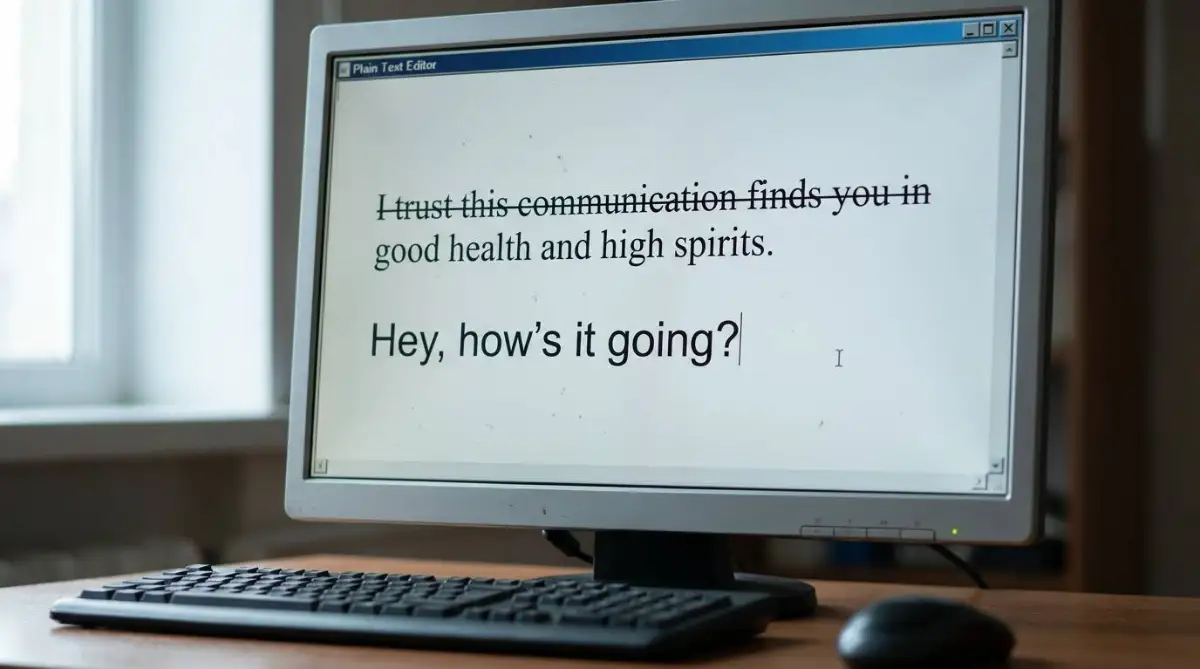
| Element | Generic Draft | More Natural Draft |
|---|---|---|
| Greeting | Dear esteemed colleague | Hi John, |
| Opening | I am writing to inform you | Quick update on the project |
| Request | Please do not hesitate to contact me | Let me know if you need help |
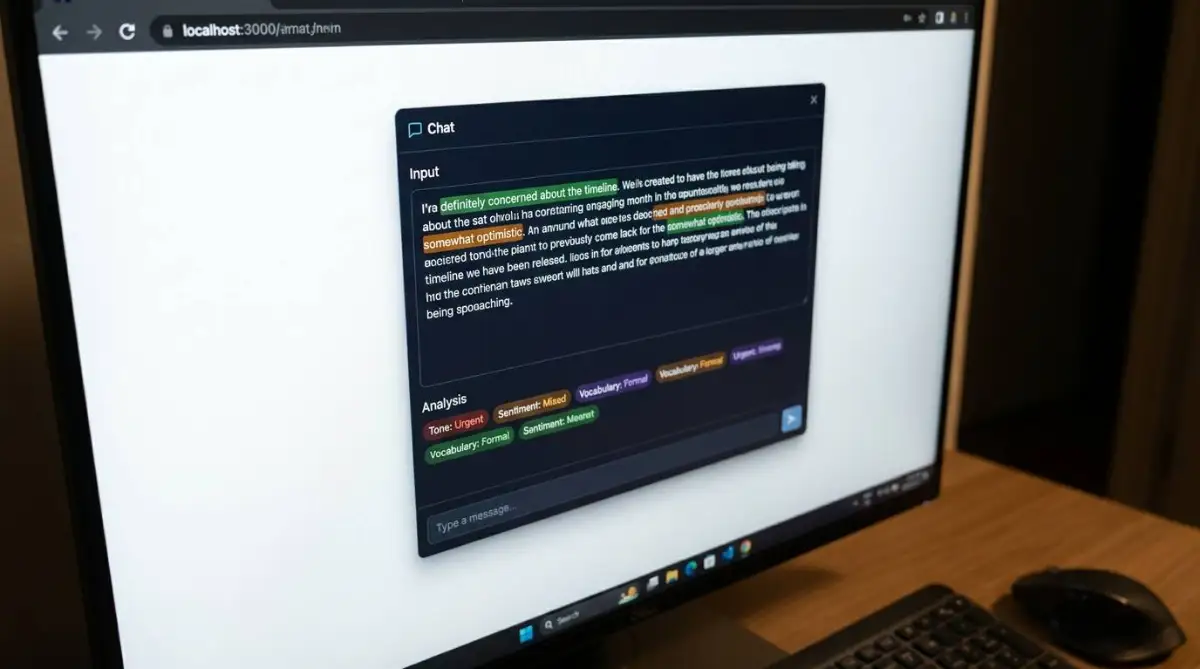
How to Make AI Follow Your Writing Style
Use the following process to create a draft that sounds more like you. Adjust the steps to fit your email, recipient, and AI tool.
- Choose writing samples: Select two or three emails you wrote yourself that reflect your normal style. Remove client names, email addresses, confidential details, and other sensitive information before sharing them with an AI service.
- Ask the AI to identify your style: Request a brief analysis of your vocabulary, sentence length, greeting, level of formality, and use of contractions. Review the analysis to make sure it describes your writing accurately.
- Explain the purpose: Tell the tool what the email must achieve, such as confirming a delivery, requesting an update, responding to a customer, or sharing project progress.
- Describe the recipient: Explain whether you are writing to a colleague, a new client, a long-term customer, or a supplier. Include the appropriate level of formality.
- Set a length and tone: Ask for a short, direct draft in your usual style. A limit such as 50–100 words can be a useful starting point for a routine email, but use more words when the message needs detail.
- Add the real context: Supply the relevant facts, deadline, decision, or next step that the recipient needs. Include only information you are permitted to share with the tool.
- Edit and read aloud: Replace unnatural phrases, correct inaccurate details, and read the final draft aloud. If you would not say a sentence that way, rewrite it.
For another practical AI workflow, see our guide to getting organized, structured answers from AI. This internal link must be tested on the live website before publication.
Copy-and-Use Prompt for Natural Emails
Use this template when drafting a routine email. Replace the bracketed details with your own information.
You are helping me draft an email in my own writing style. Use the writing samples I provide only to understand my tone, vocabulary, sentence length, and level of formality.
Purpose: [What this email needs to achieve]
Recipient: [Who will receive it and my relationship with them]
Key details: [Facts, dates, decisions, and next steps]
Preferred tone: [Friendly, professional, direct, or formal]
Length: [Desired word count or level of detail]
Write a clear, natural draft. Avoid unnecessary introductions, exaggerated politeness, repeated points, and generic business phrases. Do not invent facts or commitments. If important information is missing, ask me a question instead of guessing. Return the draft for my review; do not imply that it has been sent.
Pro tip: Save this prompt as a reusable template if your AI tool supports saved instructions. Review the output each time because different recipients and situations may require different tones.
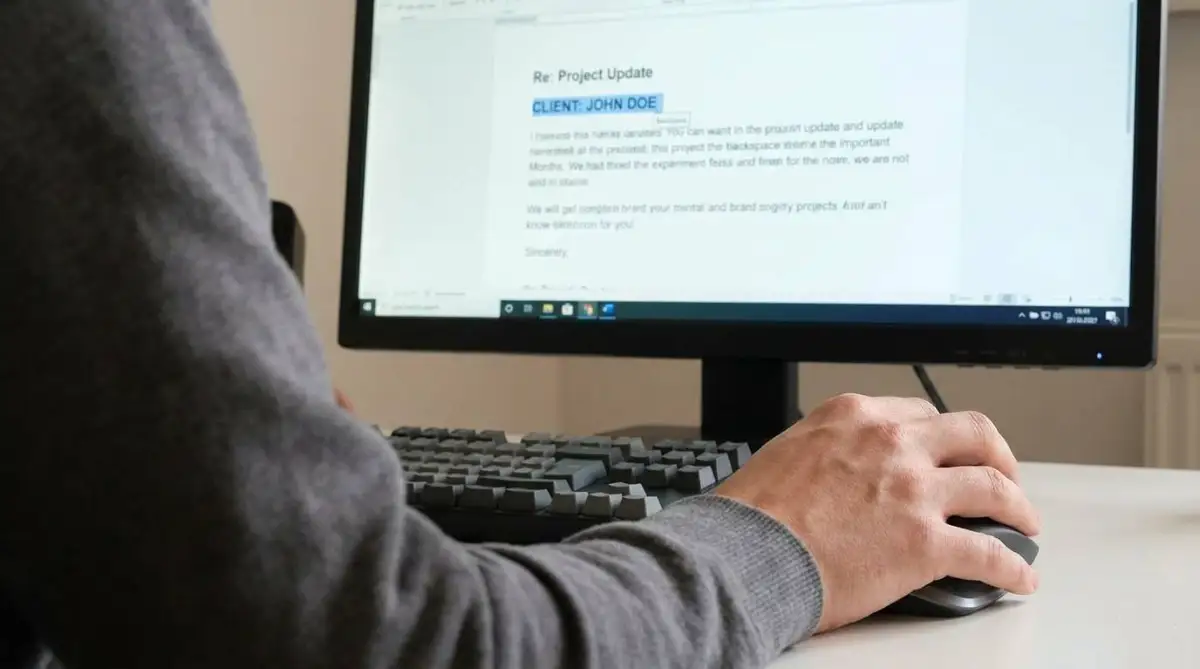
Adjust Your Email for the Situation
A natural email does not always mean a casual email. Match your language to the purpose, recipient, and workplace expectations.
- For colleagues: Use familiar language, short paragraphs, and a clear statement of what you need.
- For clients: Keep the message courteous and specific. Include the relevant project detail or next action instead of relying on generic compliments.
- For new prospects: Explain why you are contacting them and make the benefit or request clear without exaggerated claims.
- For formal or regulated work: Follow your organization's writing standards and review any legal, financial, or compliance-related statements carefully.
For guidance on writing clearly, see the U.S. Consumer Product Safety Commission's plain-language writing principles. They recommend considering the reader, using active voice, choosing simple words, and keeping sentences clear. These are useful general writing principles, not a substitute for industry-specific rules.
If your wider goal is managing incoming messages rather than drafting individual replies, see our guide to automating email management with free AI. That article covers a different workflow, so this guide focuses on the words you send. Verify this internal link before publication.
Protect Client Information When Using AI
Before pasting an email thread into a chatbot, check whether it contains client names, personal contact information, confidential project details, financial data, or internal discussions. Use only tools approved for your work and remove sensitive details when they are not necessary for drafting.
Do not assume that every AI service follows the same data rules. The handling of submitted content can depend on the provider, product, account type, workspace, and privacy settings. For example, OpenAI explains its available conversation and model-improvement controls in its official ChatGPT data controls guide. Review the policy that applies to the tool you actually use.
For additional context, read our guide to privacy risks and safety actions for AI databases. Verify that this internal destination is live and relevant before publication.
Fix Common Problems with AI Email Drafts
The email sounds too formal
Provide an example of how you normally write to that type of recipient. Ask the AI to use simpler words and shorter sentences while keeping the message respectful. Avoid asking for an informal tone if the situation requires a formal one.
The AI keeps using stock phrases
Identify the phrases you dislike and tell the tool to avoid them. Ask for a direct opening that explains the purpose of the email. Review the result for repeated greetings, unnecessary apologies, and generic closing lines.
The draft does not sound like you
Check whether your writing samples match the situation. A casual message to a colleague may not be a good model for a formal client proposal. Give the tool a more suitable example, clarify the intended tone, and revise the output yourself.
The AI invents details
Check names, dates, prices, deadlines, promises, and project status against your original information. Remove anything you cannot confirm. If a fact is missing, supply it yourself or leave a clear placeholder until you can verify it.
The conversation has become too long
If the tool stops following your instructions, restate your style requirements and provide the relevant context again. Starting a new conversation can help organize the task, but there is no universal message count at which every AI tool forgets a writing sample.
To learn about other mistakes to watch for, read our guide to avoiding AI tool mistakes in academic and business settings. Check the internal link on the live website before publishing.
Frequently Asked Questions
How many writing samples should I give AI?
Two or three representative emails are a practical starting point. Choose examples that reflect the tone you want, and remove confidential details. You may need to provide additional guidance if your writing style changes significantly between recipients or situations.
Should I always ask AI to write fewer than 50 words?
No. A short limit can work for simple updates, confirmations, or scheduling messages. Complex requests, project explanations, and sensitive matters may need more detail. Choose a length that communicates the necessary information clearly.
Can AI write in a friendly but professional tone?
Yes, you can ask for that balance and provide a suitable example. However, the result still needs your review to ensure that the wording fits the relationship, purpose, and expectations of the recipient.
Should I send an AI-written email without editing it?
It is better to review it first. Check the facts, tone, names, attachments, and requested actions. Make sure the final message represents your intentions and does not include invented details or leftover placeholders.
Final Checklist Before You Send
- The email has a clear purpose.
- The tone suits the recipient.
- The important facts are accurate.
- Unnecessary phrases and repetition are removed.
- Confidential information has been handled appropriately.
- The final draft sounds natural when read aloud.
AI can help you prepare a first draft, but your judgment gives the email its context and purpose. Use the tool to save time, then take responsibility for the message before sending it.
This article provides general information about AI writing tools and data privacy. Follow your organization's policies and the terms that apply to the service you use.