Understanding the critical security setting every smart home owner should enable begins with one simple feature: the Guest Network. By default, routers place all devices on a single shared network. This means a vulnerable smart bulb sits in the same digital room as your work laptop containing sensitive financial data. The critical security setting you must enable is the Guest Network isolation feature. This creates a secondary, quarantined Wi-Fi signal specifically for your Internet of Things (IoT) gadgets. It grants them internet access but physically blocks them from communicating with your primary personal computers, instantly neutralizing backdoor hacking attempts.
The Invisible Threat Inside Your Living Room
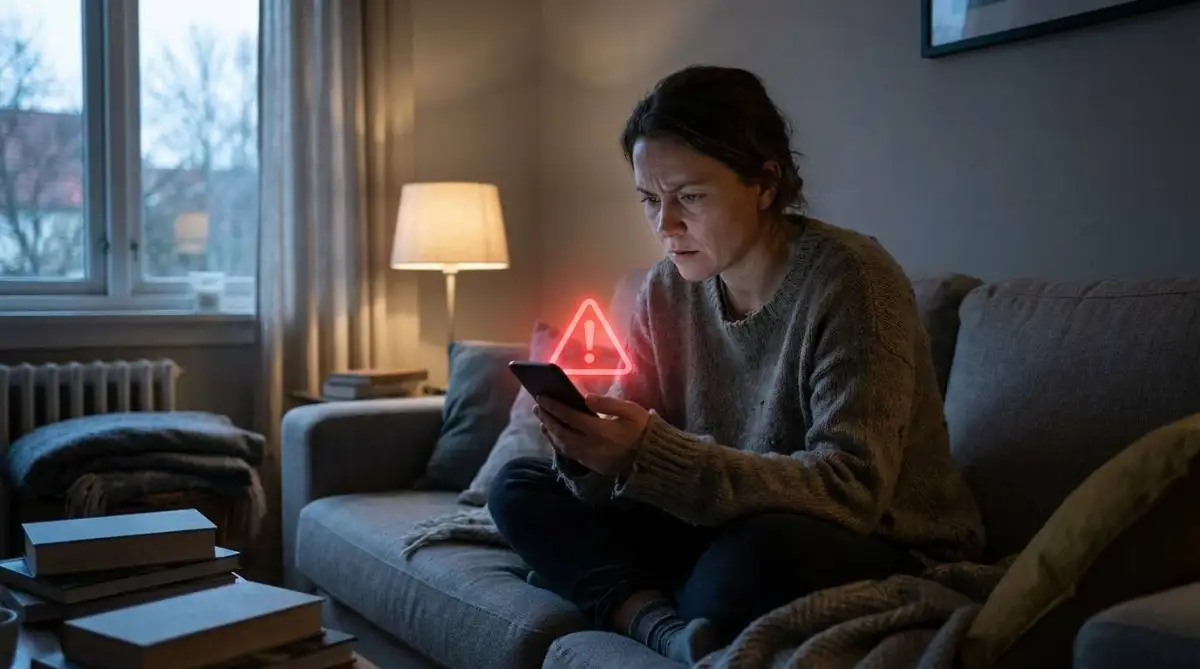
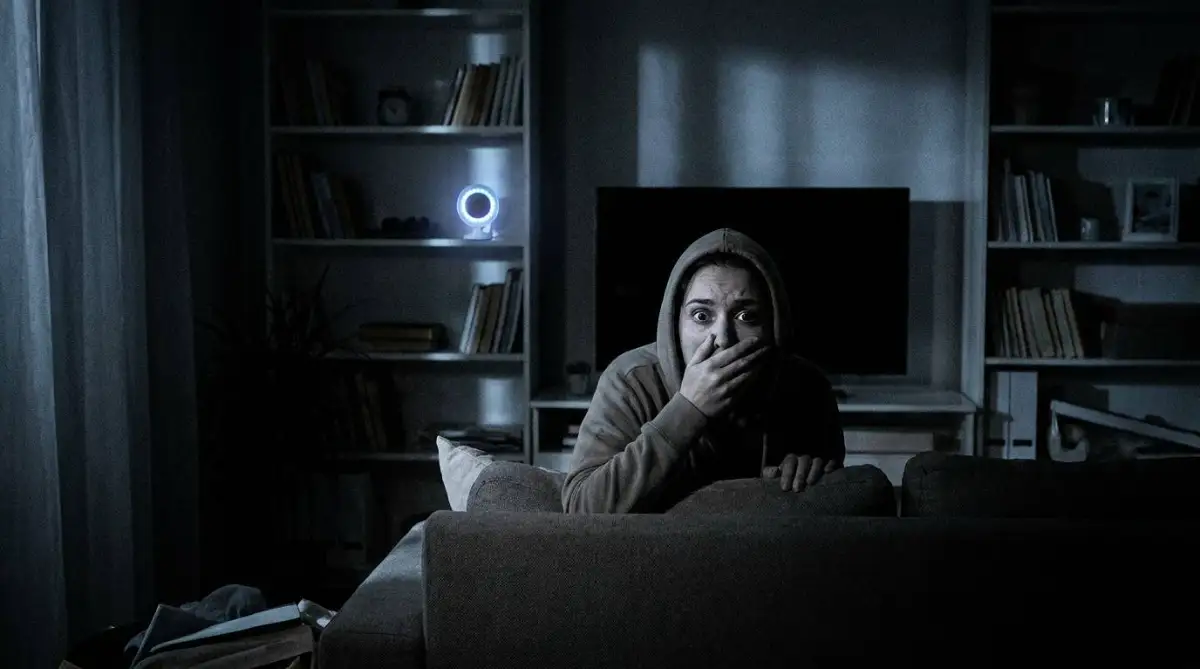
A hacked smart camera can allow a stranger to speak directly into your living room through its two-way audio. This happens when your cheap gadgets share the same network as your work laptop.
I had bought that expensive smart camera specifically to keep my family safe, but because I ignored one simple network setting, I had unknowingly invited a stranger directly into my private sanctuary. Millions of people buy smart home gadgets every year and experience this exact same silent terror without ever realizing how vulnerable they truly are.
Most cheap smart gadgets are rushed to the market with incredibly weak internal security protocols. They contain almost zero defense mechanisms, making them the absolute easiest targets for automated cyber-attacks.
When you connect a vulnerable twenty-dollar smart plug to the exact same Wi-Fi network that your work laptop uses, you build a dangerous, invisible bridge. Hackers do not need to break through the heavy security of your computer; they simply break into the cheap smart plug and use it as a backdoor to access your entire digital life.
You do not have to throw away all your convenient gadgets to feel safe again. By understanding how to physically separate the traffic inside your home, you can easily lock these devices into a secure digital quarantine.
Securing the Borders of Your Smart Home
The Danger of a Single Shared Network
To understand why your smart home is currently at risk, we need to look at how traditional home networking operates. When you sign up for internet service, your provider gives you a router that broadcasts a single, unified Wi-Fi name for your entire house.
Out of pure convenience, you connect your personal smartphone, your work laptop, your smart television, and your connected refrigerator to this exact same network. In the digital world, connecting devices to the same network means they are all sitting in the exact same room, freely able to talk to each other without any locked doors between them.
If a hacker discovers a security flaw in your smart refrigerator, they can easily take control of that appliance from miles away. Because the refrigerator is sitting in the same "digital room" as your work laptop, the hacker can use the fridge as a stepping stone to secretly scan your computer for banking details and private passwords.
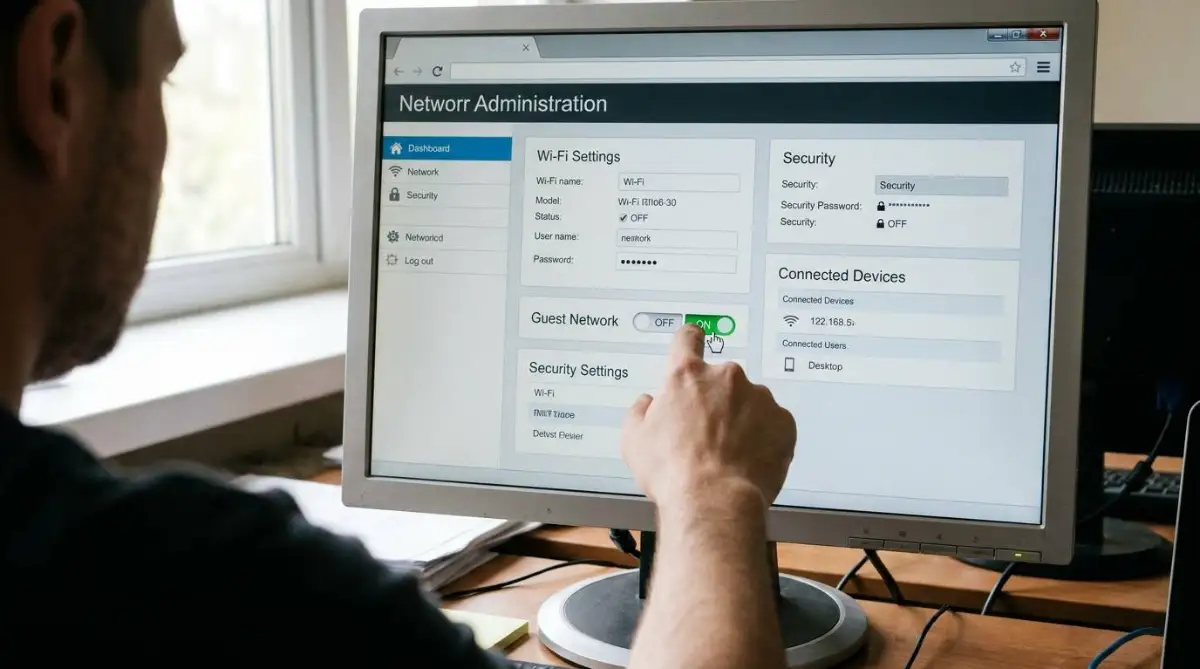
Activating the Guest Network Quarantine
The critical security setting that almost every single smart home owner ignores is the "Guest Network" feature. Almost every modern router built in the last five years has this powerful tool hidden deep inside its settings menu, completely turned off by default.
A guest network is exactly what it sounds like: a secondary, entirely separate Wi-Fi signal broadcasted by your main router. It provides a direct connection to the internet, but it completely blocks any device connected to it from seeing or speaking to devices on your primary network.
When you turn this setting on, you essentially build an invisible, soundproof brick wall down the middle of your home network. You should keep your highly sensitive devices—like your main desktop computer, your smartphone, and your personal storage drives—on your primary, private network.
Then, you must connect every single smart appliance, light bulb, security camera, and connected speaker exclusively to the guest network. By isolating these vulnerable gadgets, you place them in a digital quarantine.
If a hacker manages to compromise your smart thermostat on the guest network, they remain completely trapped there. They can turn your heat up and down, but they physically cannot cross the invisible brick wall to steal the sensitive financial data sitting on your work laptop.
My Personal Realization: I used to think setting up a guest network was only useful for when friends came over to visit. The day I moved all my cheap smart home gadgets onto that isolated line, I finally stopped worrying about backdoor hacks, knowing my primary work computer was fully separated from my automated lights.
Primary Network vs. Guest Network Comparison
| Feature | Primary Wi-Fi Network | Guest Wi-Fi Network (IoT Quarantine) |
|---|---|---|
| Connected Devices | Laptops, smartphones, personal NAS drives | Smart TVs, cameras, thermostats, smart plugs |
| Security Level | Maximum (Highly sensitive personal data) | Low (Vulnerable to automated botnet attacks) |
| Internal Access | Devices can freely communicate with each other | Strictly isolated; devices cannot see each other |
| Primary Purpose | Banking, remote work, private communications | Basic internet access for automated appliances |
Updating Default Device Credentials Instantly
Placing your smart devices in quarantine is a massive step forward, but you must also lock the front door of the devices themselves. The absolute easiest way hackers take control of home cameras and smart speakers is by exploiting laziness.
When millions of smart home gadgets leave the manufacturing factory, they are all programmed with the exact same default username and password. Hackers maintain massive public databases containing the default passwords for almost every smart device on the market. They use automated software to scan the internet, searching for vulnerable devices that still use these factory credentials, allowing them to log in effortlessly.
The very first time you power on a new smart device, you must open its companion app and immediately change the default administrative password. Create a unique, complex password specifically for that device.
Taking control of these basic administrative settings is an essential part of modern digital hygiene. Just as changing default passwords protects your privacy, keeping your physical hardware well-maintained is equally important; you can learn how to apply this care to your computers by reading our guide on how to clean dusty PC fans without static damage safely.
Disabling Universal Plug and Play (UPnP)
There is another highly dangerous setting enabled by default on most home routers that actively helps hackers bypass your security. It is a feature called Universal Plug and Play, commonly known as UPnP.
When you plug a new gaming console or a smart camera into your wall, UPnP allows that device to automatically open specific security ports on your router so it can talk to the outside internet without you having to configure anything manually.
While this sounds incredibly convenient, it is a complete security nightmare. If a piece of malware secretly infects your computer, UPnP will happily allow that malware to open a hidden door in your router, giving external hackers a direct, unmonitored path into your home.
You must log into your router's administrative dashboard and permanently disable the UPnP setting. Turning this off forces your router to keep all its digital doors firmly locked unless you manually authorize a specific connection. This proactive approach to locking down automated features is just as critical as knowing how to protect electronic devices from sudden power surges.
Pro-Level Network Defense Strategies
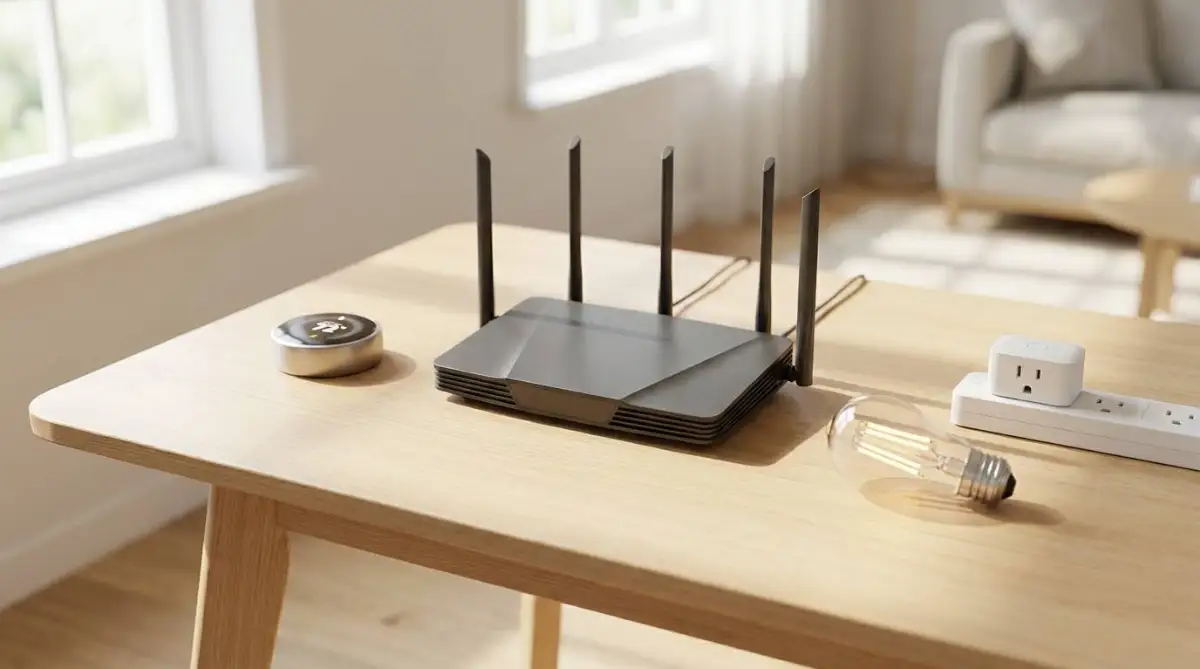
Building a Local-Only Smart Ecosystem
The biggest security flaw in the modern smart home industry is our reliance on the cloud. When you turn off a smart light bulb using your phone, that command travels out of your house, connects to a server owned by the bulb's manufacturer miles away, and then bounces back into your home.
If that external server gets hacked, a criminal can easily intercept the signal and take control of your lights or cameras. To bypass this massive vulnerability, privacy experts build "local-only" smart networks using open-source home automation software running on a tiny, cheap computer plugged directly into their router.
This setup forces all smart home commands to stay entirely inside the physical walls of the house. According to the National Security Agency (.gov) Best Practices for Securing Your Home Network keeping smart home networks segmented and isolated drastically reduces the risk of external cyber-attacks.
Disabling Remote Access Features
Almost every smart device app comes with a highly advertised feature called "Remote Access." While remote access feels incredibly futuristic and convenient, it is essentially a permanent, open window into your private network.
Unless you have a strict, absolute need to control a device while you are away from home, you should aggressively disable remote access in the device's companion app. Forcing the device to only accept commands when you are physically connected to your own home Wi-Fi drastically reduces the attack surface for potential hackers.
Protecting your network boundaries requires the exact same discipline as protecting your physical hardware. You can apply this cautious mindset to your everyday physical setup by learning the exact difference between cat5 and cat6 ethernet cables to ensure your physical connections are secure and optimized.
How to Maintain Unbreakable Network Security Long-Term
To maintain total digital peace of mind, you must schedule a recurring network audit on your personal calendar every three months. During this quick audit, log into your router and physically review the list of every single connected device.
Additionally, you must keep all your router and smart home firmware completely up to date. Manufacturers constantly release patches to fix newly discovered vulnerabilities. According to official cybersecurity guidance from the Cybersecurity & Infrastructure Security Agency (.gov), turning on automatic firmware updates for your router is the most effective defense against automated network exploits.
Dangerous Smart Home Mistakes That Invite Hackers
Buying the Absolute Cheapest Gadgets Online
When building a smart home on a budget, it is incredibly tempting to browse random online marketplaces and buy a ten-dollar smart camera from an unknown brand. Buying unverified, ultra-cheap electronics is the fastest way to compromise your home.
To sell a smart camera for ten dollars, the manufacturer has to cut massive corners during production. They completely strip out the internal security chips and rarely, if ever, provide software updates. Always stick to reputable, well-known brands that have a proven track record of providing regular security updates.
Using Weak Network Passwords
When setting up a new router, people want a password that is easy for their family to remember, like their dog's name followed by the number "1." This is an incredibly dangerous habit. Hackers use automated software that can test millions of common password combinations in a matter of seconds.
Use a long, complex string of random words, numbers, and symbols. If typing a long password for your smart TV feels annoying, write it down on a piece of paper and tape it to the back of your router; the mild inconvenience is exactly what keeps the hackers locked out. This level of care is just as important as avoiding the everyday habits ruining laptop battery lifespan.
Ignoring Suspicious Network Slowdowns
While slow internet can happen for innocent reasons, sudden and severe network lag is often a major red flag of a silent security breach. When a hacker takes over your smart devices, they often force those gadgets to join a massive "botnet."
The hacker uses your smart light bulbs and cameras to launch coordinated attacks against other websites or to mine digital currency in the background. This heavy, hidden processing completely hogs your network bandwidth, causing your primary devices to slow down to a crawl.
Heavy background processing caused by malware can also overheat your machine; learning how to fix high cpu usage speed up computer performance will help you identify if the issue is your network or your hardware.
Never ignore a sudden, inexplicable drop in your internet speed. If you suspect an issue, you should immediately read our guide on how to increase wifi speed without new router hardware to figure out if your network is just crowded or actively compromised.
Taking Total Command of Your Private Digital Space
You do not have to live in fear of your own appliances, and you certainly do not have to unplug every smart speaker in your house to protect your privacy. By simply understanding the invisible lines of communication inside your home, you can lock down your digital life permanently.
The secret to a secure smart home is not buying expensive enterprise firewalls; it is simply about creating intentional friction. Moving your vulnerable gadgets to a guest network, turning off universal plug-and-play, and changing default passwords takes exactly twenty minutes to do.
Once you put these basic walls in place, your daily anxiety will vanish completely. You will finally be able to enjoy the incredible convenience of automated lights and smart security cameras without ever wondering who is watching from the other side.
Disclaimer
This article is for educational purposes only. Always consult your router manufacturer's documentation.
Smart Answers for Securing Your Connected Home
Do I need to create a new password for the guest network?
Yes, your guest network must have a completely different, highly secure password than your primary Wi-Fi network. If you use the exact same password for both networks, a hacker who cracks the guest password will instantly have the key to your main, private network.
Will my smart speaker still play music if it is on the guest network?
Absolutely. Smart speakers, televisions, and smart plugs only need a basic internet connection to function perfectly. They will stream music and turn on your lights without any issues while sitting safely in digital quarantine on the guest network.
How do I find the login page for my home router?
To access your router's dashboard, look at the sticker on the back or bottom of the physical router box. You will find an IP address (usually numbers like 192.168.1.1) and an administrative username and password; simply type those numbers into your web browser's search bar to log in.
Is it safe to use a smart lock on my front door?
Smart locks are incredibly convenient, but you must keep them fiercely protected. To ensure maximum safety, always buy a lock from a highly reputable brand, update the firmware immediately, and ensure it is connected exclusively to your isolated guest network.
What is Universal Plug and Play (UPnP) and why is it dangerous?
UPnP is a router setting designed to help devices automatically open network ports to communicate with the outside internet. It is highly dangerous because if malware infects a device on your network, UPnP allows that malware to open a backdoor through your router's firewall without asking for your permission.
Does a guest network slow down my overall internet speed?
No, enabling a guest network does not inherently slow down your internet speed. Your router simply splits your existing bandwidth between the two networks. Since smart home devices like bulbs and thermostats use very little data, you will not notice any performance drop on your primary devices.